EasyBiz
One hub for every kind of business floor.
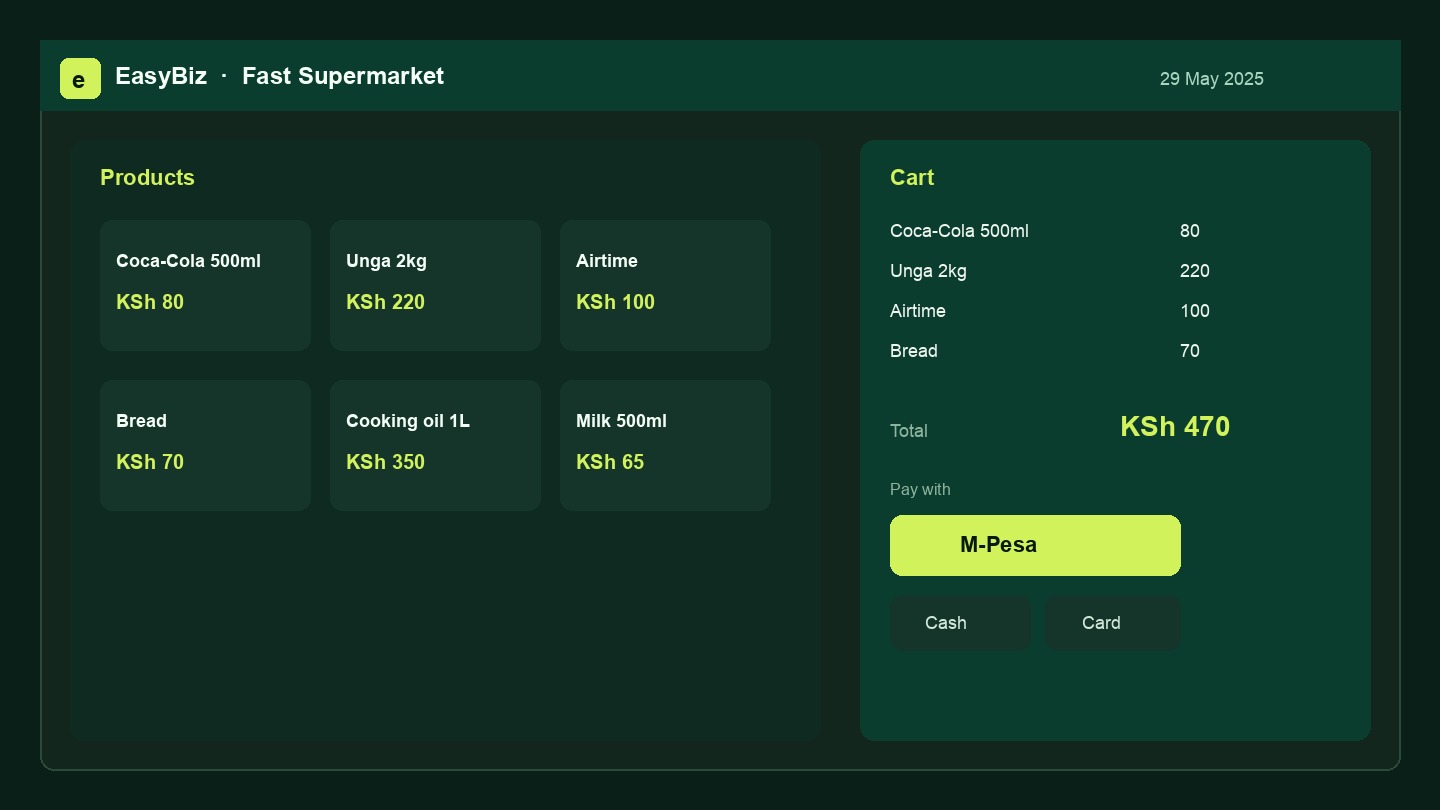
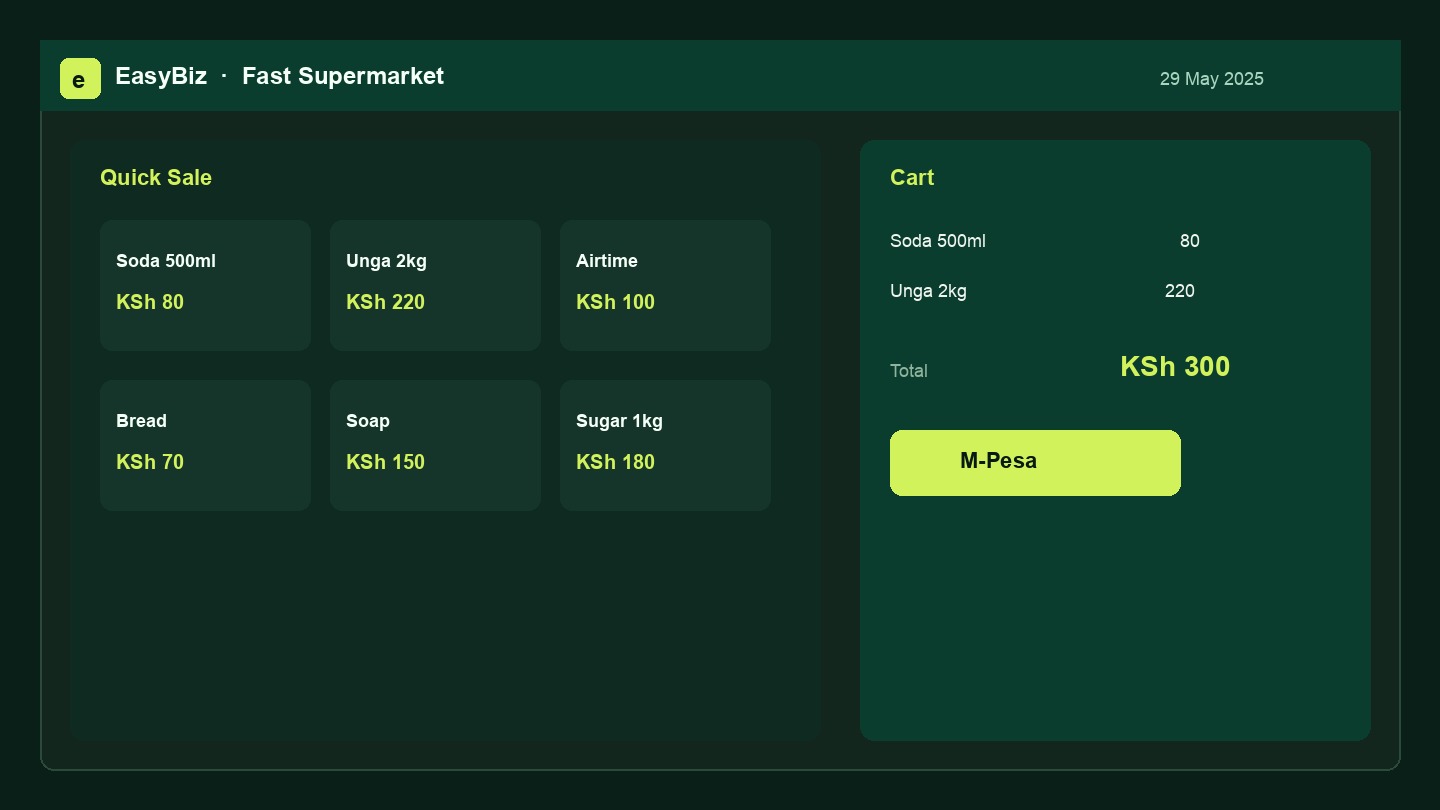
One POS for salons, cafés, supermarkets, garages and hotels — ring up sales, track stock, manage staff, all from one screen.
Sell by M-Pesa, card or cash — even offline
Built for how Kenya trades
Activate only what your business needs — roles and menus change with industry.
Tap your business above — it'll jump you to the request form with your industry pre-selected.
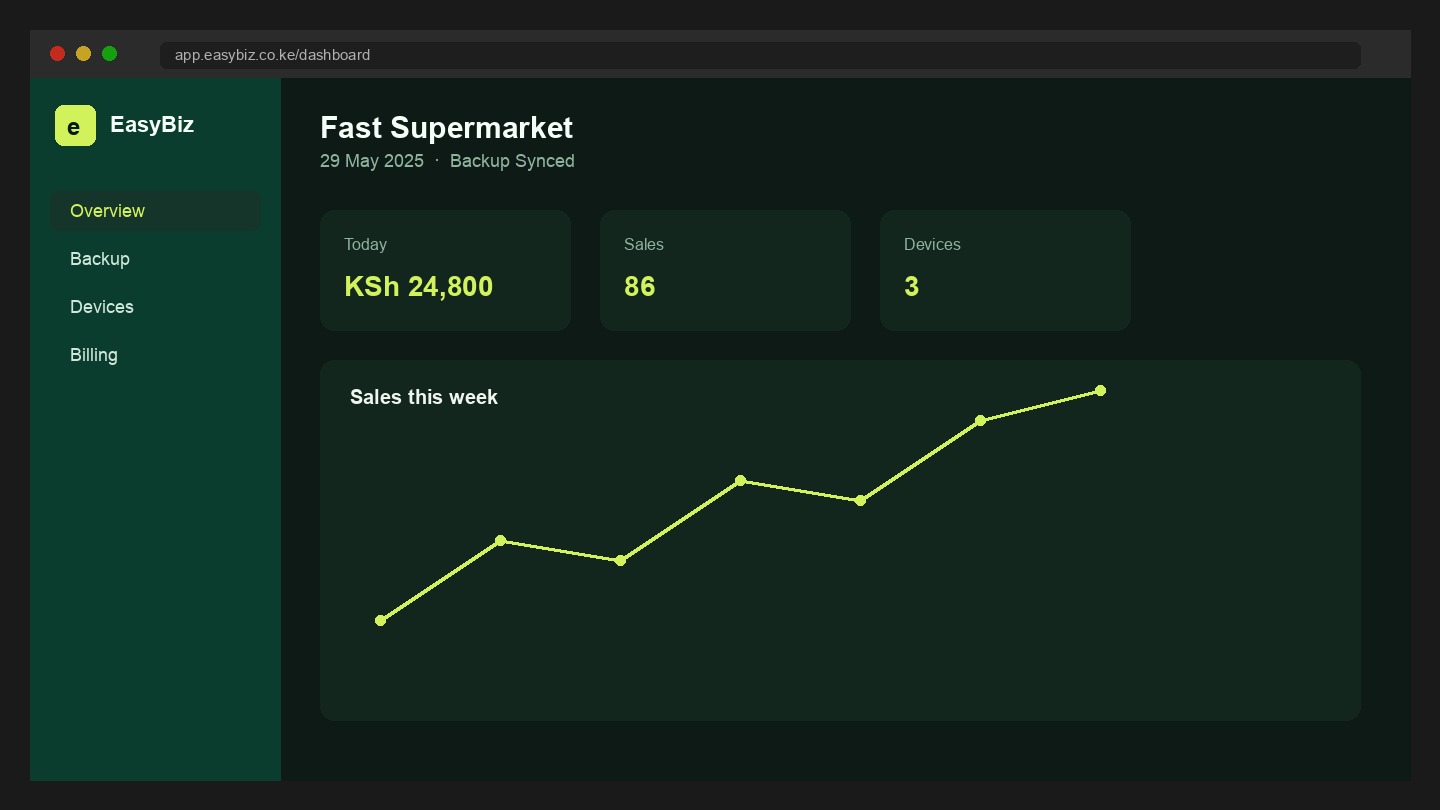
How EasyBiz works
From onboarding to the floor in four steps — no custom build required.
-
01
Pick your industry
Restaurant, salon, car wash, supermarket, hotel, pharmacy, garage, or general retail — features unlock to match.
-
02
Add staff & 4-digit pins
Waiters, cashiers, cooks, cleaners, managers. Shared devices unlock with a passcode into the right dashboard.
-
03
Sell, cook, or raise jobs
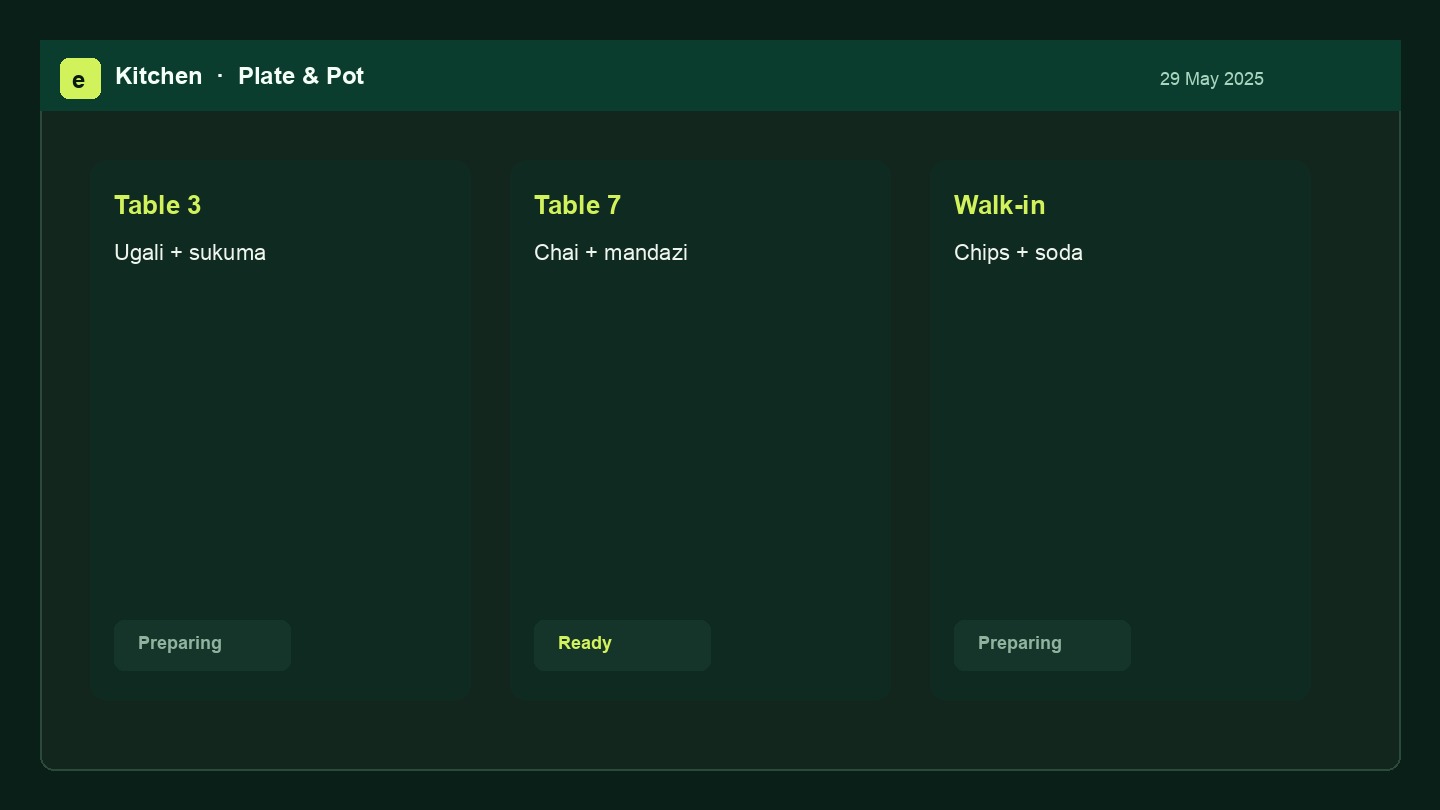
POS sales, kitchen tickets, service receipts, purchases and LPOs — all synced to one shop ledger.
-
04
Manage from anywhere
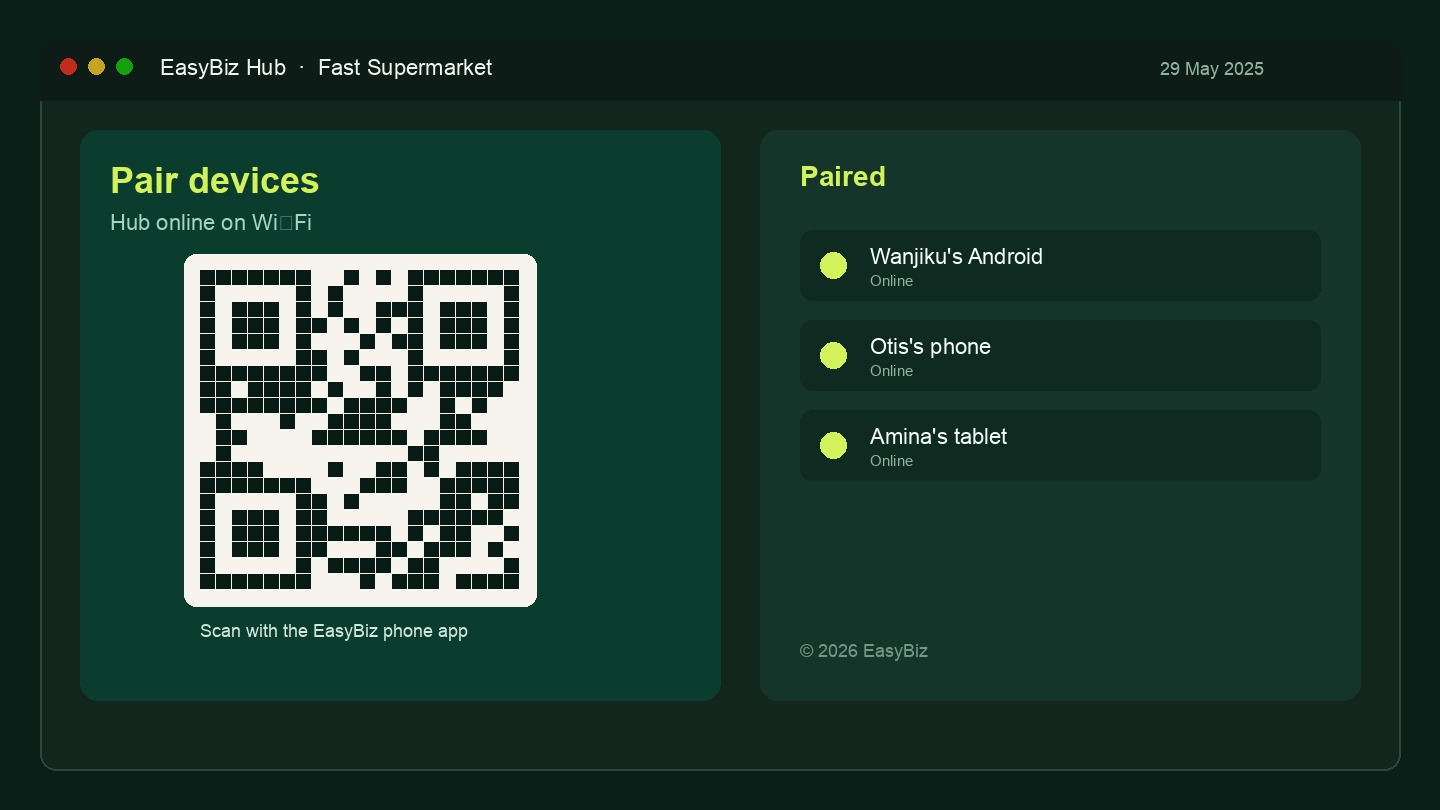
Owners use the web app; floor teams use tablet or phone. Offline sales queue and sync when you’re back online.
The wifi drops. The till doesn't.
Sales keep ringing up on a dead connection — every queued sale syncs the moment you're back online, no double entries, no lost receipts.
Everything that keeps the till honest
One product for the counter, the store room, and the back office.
POS & offline sales
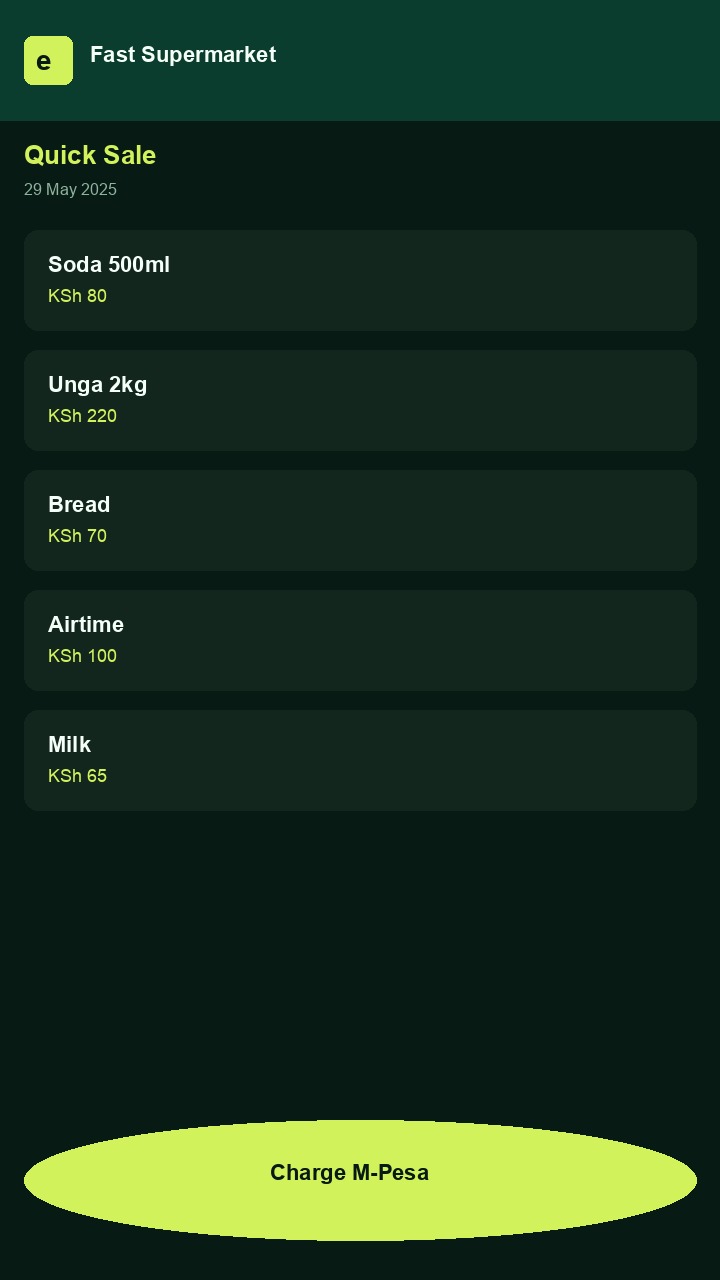
Fast checkout on web or Android, even with no signal — nothing is lost, nothing is double-counted.
Inventory & LPOs
Know what sold, who sold it, and what's running low — without counting shelves.
Kitchen & jobs
Orders hit the kitchen or job queue the second they're taken — no shouted tickets, no lost paper.
Staff by role
A four-digit passcode lands each person on their own dashboard — nobody sees more than their job needs.
Works with the hardware you already have
No proprietary till required — plug in what you've got.
Barcode scanner
Any USB or Bluetooth scanner works out of the box — it just types, no driver or setup screen.
Receipt printer
USB or Bluetooth thermal printers — Epson TM-T20, Xprinter, and other common ESC/POS models — plus plain A4 printing for reports and invoices.
Any tablet or laptop
Runs in the browser — no app store, no install. Add a device to the floor in minutes.
Simple pricing, once you're in
We're onboarding shops by hand right now, so pricing is a conversation, not a paywall.
Free during early access
After that, expect simple monthly pricing per shop — no per-transaction commission, no hardware lock-in. Tell us about your business when you request access and we'll talk numbers once you're up and running.
Request accessQuestions before you sign up
The things most shop owners ask before their first sale.
Do I need internet to use it?
No. Sales keep working when the wifi drops and sync automatically once you're back online. You need a connection to onboard and for owners to manage from elsewhere, not to sell.
Do I need special hardware?
No — EasyBiz runs in the browser on any tablet, laptop, or Android phone. A USB/Bluetooth barcode scanner or receipt printer works if you already have one, but neither is required to start.
What happens to my data?
Your shop's sales, stock, and staff data belong to your shop and stay tied to your account. It's not shared with or visible to other businesses on EasyBiz.
Can my staff see reports and each other's numbers?
No — each staff passcode lands on a role-specific dashboard. Cashiers and cooks see what their job needs; full reports and other staff's activity are visible to owners and managers only.
How do I get set up?
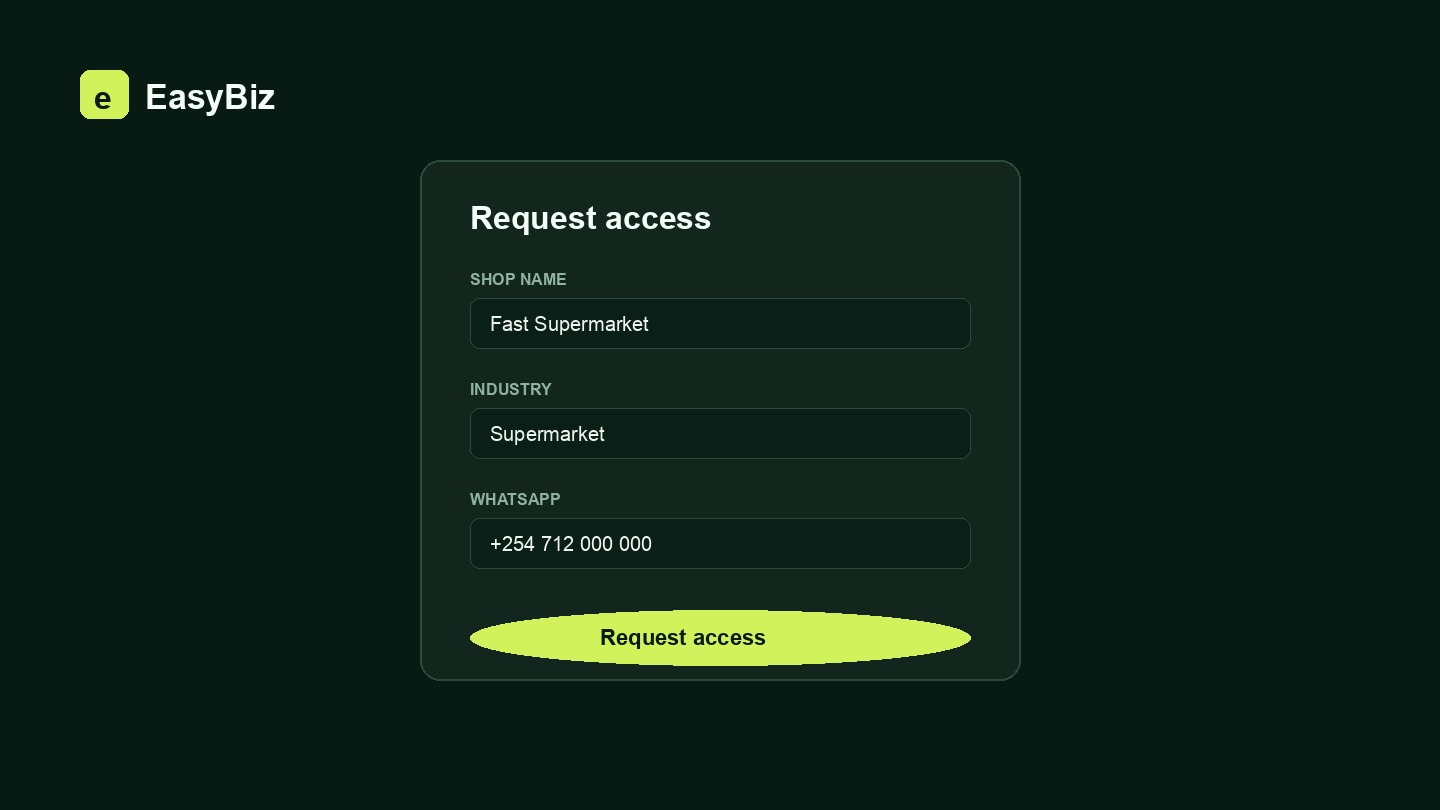
Send a request below with your business details and industry. An EasyBiz admin reviews and approves it by hand, then you sign in and start adding products and staff the same day.
Request business access
Tell us about your shop. EasyBiz superadmins review every request — once approved, you sign in at app.easybiz.co.ke and run your floor.
EasyBiz
Ready when your next customer walks in.
Create a shop, choose your industry, and put staff on the floor the same day.
Request access